|
Sample
Videos (VOD's) Depicting Live Video Broadcasting
for
Various Meetings and Events
VideoShape
delivers an interactive live meeting experience using web cams
or HD cameras and conventional web browsers. The samples at
right endeavor to present system functions to suggest uses
for the technology. Whether your need is for live video
interactive field use or for office-to-office or distance
learning in education, these samples are presented to suggest a
broad use in live event conferencing.
VS
media conferencing provides an effective method to connect
people and events over long distances without the need for
costly travel and accommodations. Drop zones provide visual,
audio and graphic presentation for a rich, live meeting
experience.
|
The Meeting Space

VideoShape Active
Conferencing Drop Zones
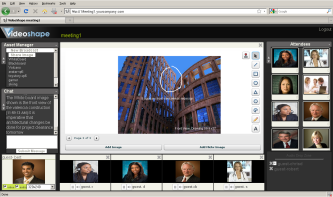
The White Board
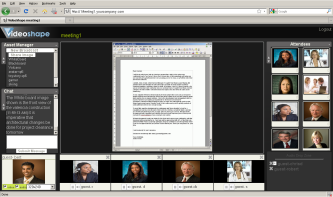
Sharing Desktop Information: SreenCasting
|
Videos,
Assets and Drop Zones for Simplicity
Unlimited
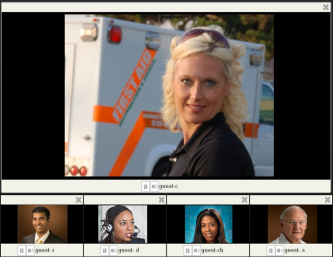
mini drop zones, including an enlarged interactive zone, are
used by the meeting host for sharing content, and live video, to
all users.
The
video samples shown on the left attempt to demonstrate the simplicity
of Drag and Drop functionality as well as the general notion of an
increase value in Interactive live media conferencing.
Streaming
web cams and HD video, together with presentation assets are used
for making meetings realistic events.
Whiteboards,
screencasts, and file sharing assist users in sharing content,
visually and interactively, as shown in the samples.
To
learn more:
Return
to the VS web
site.......
|


